
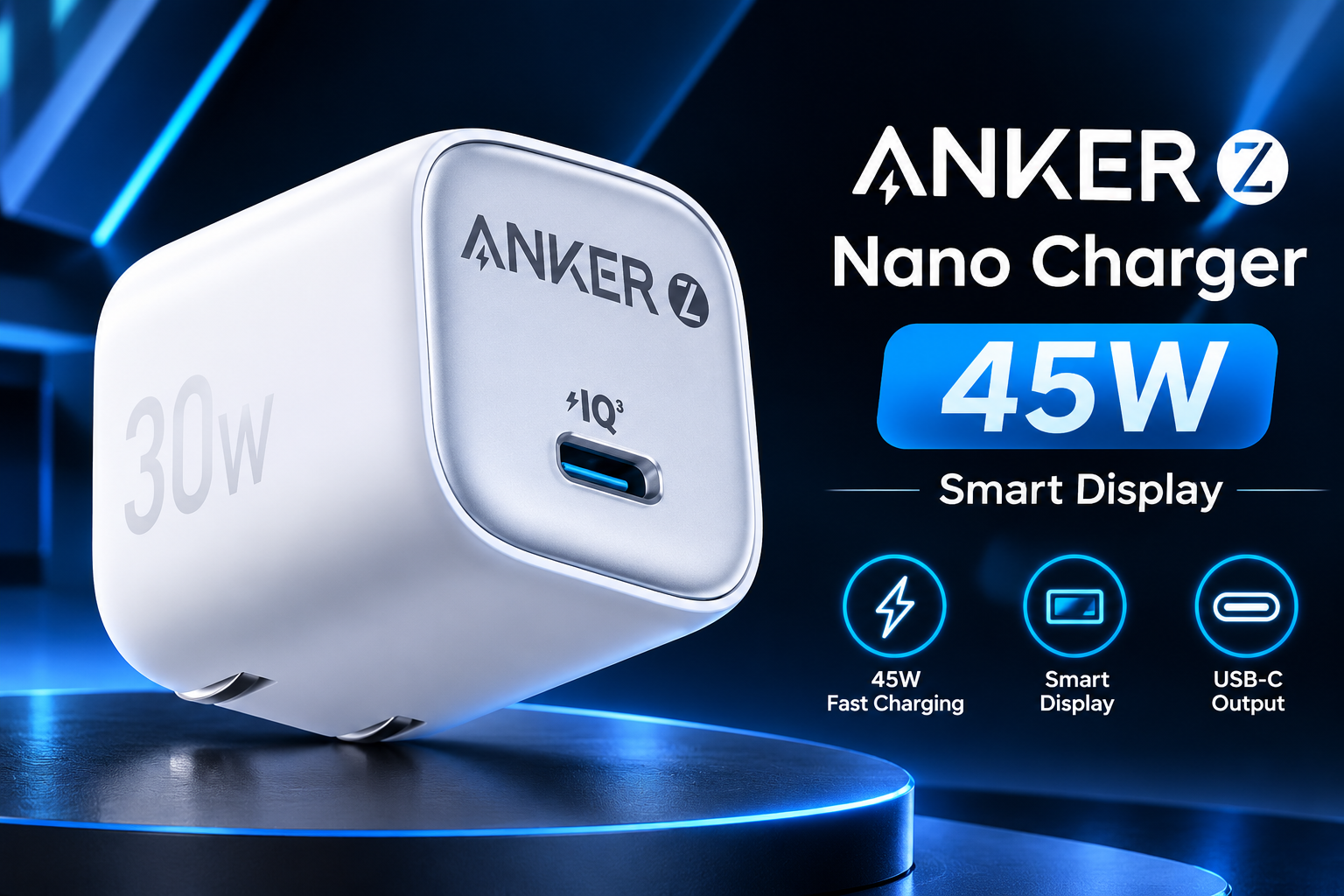
Anker Zolo 30W Mini Charger: Why Smaller Charging Adapters Are Gaining Popularity

Open any commuter’s bag and you will find the same mess. A tangle of cables, a heavy laptop brick, and a phone charger that barely fits the side pocket. Many people have simply accepted this clutter. Yet something has changed lately. Chargers are shrinking fast, and buyers are noticing. Gone are the days when a powerful adapter meant a bulky one. New chip technology moves heat and power more efficiently. That lets brands pack real speed into a body the size of a matchbox. I have tested dozens of adapters over the years. Most ended up gathering dust in a drawer. The small ones stayed in my bag every single day. That habit says a lot about what people truly want. Convenience beats raw size every time, and the market is finally listening.
The Technology Behind the Shrinking
Gallium nitride, or GaN, deserves most of the credit. Older chargers used silicon parts, which waste more energy as heat. That heat forced designers to add space for cooling. GaN handles higher voltages with far less loss. So the internal parts can sit closer together. The result is a smaller case that stays cooler during use. Better power delivery software also helps. Modern chargers talk to your device and agree on a safe speed. This protects the battery from stress and extra wear. You do not need to understand the chemistry to benefit from it. You only need to notice the difference in weight. A good compact adapter feels almost too light the first time you lift it. Many people assume light means weak. In reality, the smart electronics inside do the heavy lifting while the case stays small.
Who Should Consider a 30W Adapter
Wattage matters, but most people overestimate what they need. A phone rarely uses more than 25 watts, so a 30W adapter covers it comfortably. The Anker Zolo 30W Mini Charger fits this sweet spot well. It suits travelers who want one slim brick for a phone, tablet, and light laptop. Ultrabooks and many tablets accept this level of power without trouble. Heavy gaming laptops need something stronger, so check your device label first. Look for the USB Power Delivery logo, since it signals broad compatibility. I keep a charger in this class in my work bag and rarely think about it. It tops up my phone quickly. It also refreshes my tablet during meetings. That simple routine saves me from carrying three separate bricks every morning.
Real-World Benefits You Notice Every Day
Travel and Commuting
Travel is where small chargers prove their worth. Airport outlets are often crowded, and loose adapters tend to slip out of worn sockets. A compact body sits flush against the wall and blocks fewer ports. On long trips, every gram counts. Swapping a bulky brick for a slim one frees space for a spare cable or a snack. Commuters gain too. A charger that slides into a jacket pocket gets used more often. Charging in short bursts beats waiting for an overnight session. Home users benefit as well. A small adapter fits behind furniture and into tight power strips. It also leaves neighboring sockets free. Students in shared dorm rooms love this detail. Fewer bulky plugs mean less fighting over outlets. These gains sound minor on paper. Over a year of daily use, they add up to a calmer, tidier routine.
How to Choose a Compact Charger Wisely
Check Safety and Certification
Not every small charger is a good one. Cheap copies often skip safety protections to save money. Look for overheat, overcurrent, and short-circuit protection on the box. Trusted brands usually list these features clearly. Buy from official stores or authorized sellers to avoid fakes. Counterfeit adapters can damage devices or, worse, start fires. Next, match the port to your cable. USB-C to USB-C works best for fast charging. Old USB-A cables often limit speed. Also check the plug prongs if you travel often. Sturdy, foldable prongs survive bag pressure far better. Finally, read the output table. A charger lists several voltage steps, and your device needs one of them. I once bought a stylish adapter that charged my laptop painfully slowly. The cause was a missing voltage step. A quick look at the specs would have saved me the trouble.
Common Mistakes to Avoid
Many buyers chase the biggest number on the box. Higher wattage looks impressive, yet it often adds size and cost. A 30W unit is plenty for most daily gear. Another mistake involves cables. A weak cable throttles even the best charger. Pick a cable rated for the wattage you want. Some people also ignore heat. A warm charger is normal, but a hot one is not. Unplug it if it gets uncomfortable to touch. Avoid covering adapters with blankets or pillows while charging. Airflow keeps the internal parts safe. Lastly, try not to fast-charge overnight every night. Slower charging is gentler on lithium batteries. Small habits like these extend battery life. They also keep your gear safe, and they cost nothing to adopt.
Frequently Asked Questions
Can a 30W charger power a MacBook Air?
Usually yes. Charging may slow down under heavy workloads, so check your model’s rated wattage first.
Will a smaller charger wear out faster?
Not necessarily. Quality GaN designs run cooler, and certified safety protections matter more than size.
Does extra wattage harm my phone?
No. Your phone requests only what it can handle, so unused headroom does nothing.
Do I need a special cable?
Use a quality USB-C cable rated for 60W. Weak cables can limit charging speed.
Can I use it abroad?
Check the input voltage range on the label. Most modern adapters accept worldwide voltages, but you will need a plug converter.
Final Thoughts
Small chargers are no longer a compromise. They run cooler, travel lighter, and cover most daily devices. Match the wattage to your gear, buy from trusted sellers, and pair the adapter with a good cable. Do that, and you can retire the heavy brick for good.