
Why Every Website Owner Should Understand Google Analytics

Launching a website is only the beginning. Once people start visiting, you need to understand how they interact with your content and whether your website is achieving its goals.
This is where Google Analytics becomes useful.
Google Analytics 4 (GA4) helps website owners monitor traffic, understand visitor behaviour, identify popular pages, and measure important interactions. Whether you run a blog, business website, or online store, analytics can help you make more informed decisions.
What Can You Learn From Google Analytics?
Google Analytics offers several useful insights about website performance.
Some of the most important include:
- Website traffic: Understand how many users visit your website.
- Traffic sources: Discover whether visitors arrive through organic search, social media, referrals, or paid campaigns.
- Popular pages: Identify which pages attract the most attention.
- User engagement: Understand how visitors interact with your website.
- Conversions: Measure important actions such as purchases, registrations, and form submissions.
These insights help you identify what's working and where your website needs improvement.
How to Set Up Google Analytics
Getting started with GA4 involves a few basic steps.
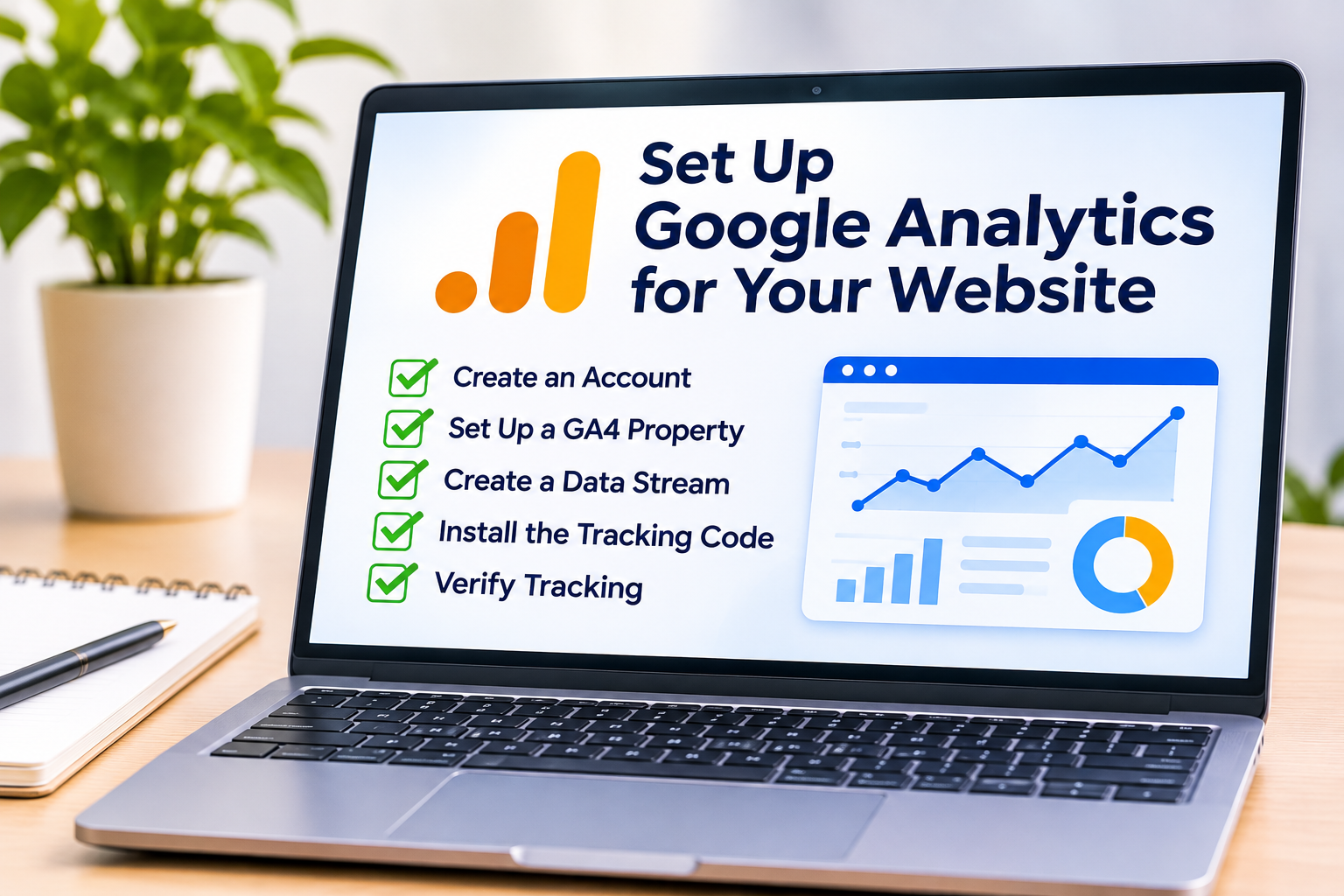
1. Create a Google Analytics account
Visit the official Google Analytics website and sign in using your Google account. Select Start Measuring if you're creating an account for the first time.
2. Create a GA4 property
Add your website's property name, reporting time zone, and currency. This property will collect and organize your website's analytics data.
3. Create a web data stream
Go to the Data Streams section, select Web, and enter your website URL. Google Analytics will generate a Measurement ID for your website.
4. Install the Google tag
You can connect Analytics through Google Site Kit if you're using WordPress, Google Tag Manager, or manual code installation.
Choose the method that best suits your website and technical experience.
5. Verify your setup
After installation, open your website and check the Realtime report in Google Analytics. This helps confirm whether your website is sending data correctly.
For detailed setup instructions, you can also refer to Google's official Analytics documentation.
How to Use Analytics Data Effectively
Simply installing Google Analytics isn't enough. The real value comes from understanding the information it provides.
For example, if your website receives considerable organic traffic but certain pages have low engagement, you may need to review their content or user experience.
Similarly, identifying your best-performing articles can help you discover topics worth exploring further.
Website owners looking for a beginner-friendly walkthrough can explore this guide on how to get Google Analytics for a website from Wolfiedigi.
It explains the setup process, installation methods, and ways to verify that tracking is working.
Final Thoughts
Google Analytics helps turn website activity into useful information. Instead of guessing what visitors prefer, you can use actual data to understand their behaviour and improve your website.
Start by setting up GA4 correctly, monitor your important reports, and use the insights to make smarter decisions about your website's growth.