
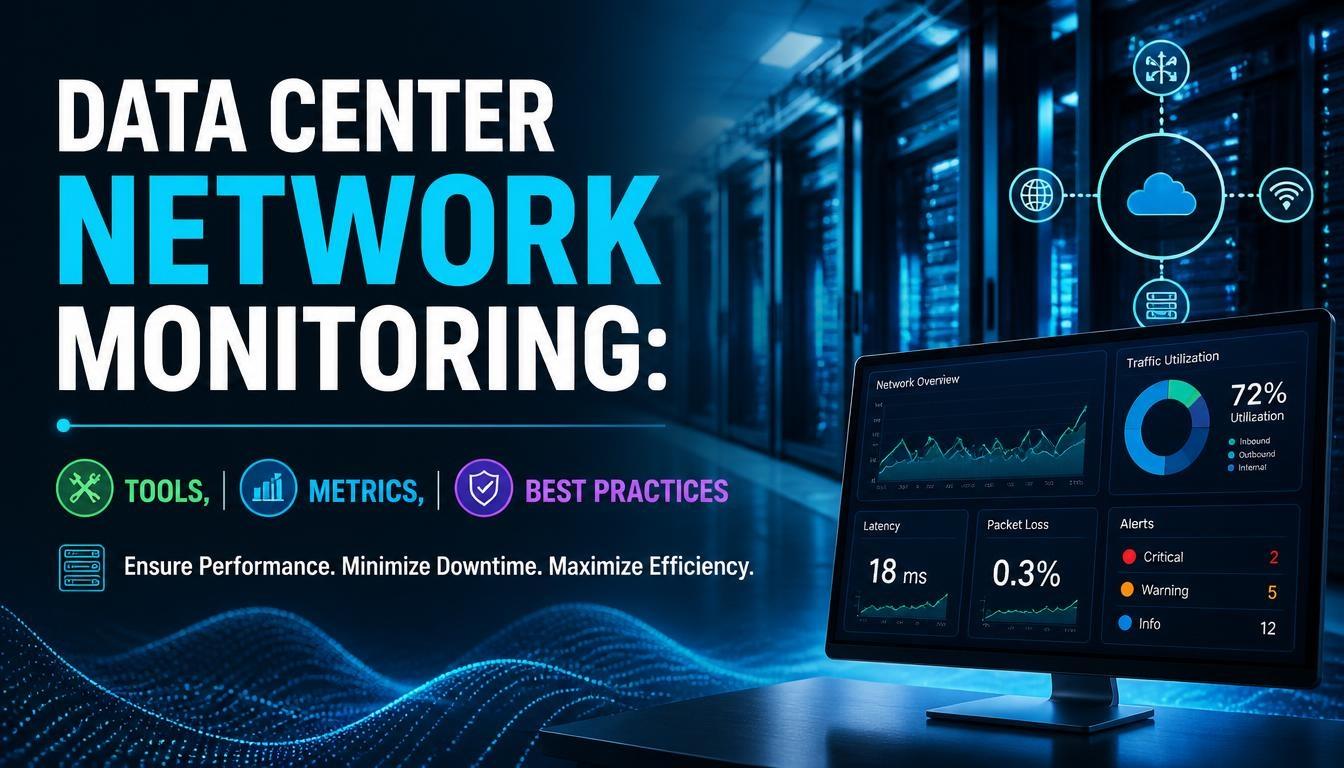
Data Center Network Monitoring: Tools, Metrics, and Best Practices

Data center network monitoring plays an important role in maintaining network performance, availability, and reliability. It helps network administrators identify performance issues, monitor traffic patterns, and detect potential failures before they affect business operations. For professionals pursuing CCNP Data Center Training, understanding network monitoring is an essential part of managing modern data center infrastructure.
As data centers become more complex, organizations need effective monitoring methods to maintain connectivity between servers, switches, storage systems, and applications. This article explains the key monitoring tools, important performance metrics, and best practices used in data center network management.
What Is Data Center Network Monitoring?
Data center network monitoring is the process of continuously observing network devices, connections, and traffic to understand their performance and operational status.
It involves collecting information from routers, switches, firewalls, servers, and other infrastructure components. Network administrators use this information to identify unusual activity, troubleshoot connectivity problems, and maintain service availability.
Monitoring also provides visibility into network performance over time, helping organizations plan infrastructure upgrades and manage increasing traffic demands.
Why Is Network Monitoring Important in Data Centers?
Network monitoring helps organizations maintain stable and efficient data center operations. Without proper monitoring, identifying the source of network problems can become difficult.
Some important benefits include:
1. Improved Network Availability
Monitoring tools help administrators identify device failures, link interruptions, and connectivity issues. Early alerts allow technical teams to investigate problems before they cause extended downtime.
2. Better Network Performance
Continuous monitoring provides information about bandwidth usage, latency, packet loss, and network congestion. Administrators can use these details to identify performance bottlenecks.
3. Faster Troubleshooting
Monitoring platforms collect network information in one place. This makes it easier to identify affected devices, examine traffic patterns, and investigate possible causes of network issues.
4. Improved Capacity Planning
Historical monitoring data helps organizations understand network usage trends. Administrators can use these insights to estimate future bandwidth requirements and plan infrastructure expansion.
Important Metrics for Data Center Network Monitoring
Monitoring the right metrics helps network teams understand whether their infrastructure is operating as expected.
1. Bandwidth Utilization
Bandwidth utilization measures how much of the available network capacity is being used.
High utilization over extended periods may indicate congestion or insufficient network capacity. Monitoring inbound and outbound traffic helps administrators identify heavily utilized links.
2. Network Latency
Latency refers to the time taken for data packets to travel from one point to another.
High latency can affect application response times and communication between servers. Monitoring latency helps identify delays caused by network congestion, routing problems, or infrastructure limitations.
3. Packet Loss
Packet loss occurs when data packets fail to reach their intended destination.
It can result from network congestion, faulty hardware, overloaded interfaces, or configuration problems. Regular packet loss monitoring helps administrators identify communication issues.
4. Jitter
Jitter refers to variations in packet delivery time.
It is particularly important for applications that require consistent network performance, such as voice and video communication. High jitter can cause interruptions and inconsistent application experiences.
5. CPU and Memory Utilization
Network devices such as routers and switches use CPU and memory resources to process traffic and manage network operations.
Unusually high resource utilization may indicate heavy traffic, inefficient configurations, or software-related problems.
6. Interface Errors and Discards
Interface errors and discarded packets can indicate physical connectivity problems, incompatible configurations, or traffic congestion.
Monitoring interface statistics helps administrators identify potential issues with network links and connected devices.
Common Tools Used for Data Center Network Monitoring
Different monitoring tools provide visibility into network devices, traffic, performance, and infrastructure health.
1. Cisco Nexus Dashboard
Cisco Nexus Dashboard provides centralized management and operational visibility for supported Cisco data center environments.
It supports monitoring and troubleshooting workflows across network infrastructure. Its capabilities depend on the applications and integrations deployed within the platform.
2. Cisco ThousandEyes
Cisco ThousandEyes provides network and application performance monitoring across enterprise networks, cloud environments, and internet paths.
It helps organizations understand network connectivity, application experience, and performance issues across different network segments.
3. SolarWinds Network Performance Monitor
SolarWinds Network Performance Monitor provides network device monitoring, performance tracking, and alerting capabilities.
It helps administrators monitor device availability, bandwidth utilization, and network performance through a centralized interface.
4. PRTG Network Monitor
PRTG Network Monitor uses sensors to monitor network devices, traffic, servers, and other infrastructure components.
It provides dashboards, alerts, and performance reports that help administrators identify network problems.
5. Wireshark
Wireshark is a network protocol analyzer used to capture and inspect network packets.
Network engineers use it to investigate communication problems, examine protocol behavior, and troubleshoot packet-level issues.
Best Practices for Data Center Network Monitoring
An effective monitoring strategy requires more than installing monitoring software. Organizations should establish clear monitoring policies and regularly review network performance.
1. Define Monitoring Objectives
Identify which network components require continuous monitoring. These may include switches, routers, firewalls, server connections, and storage networks.
Setting clear objectives helps teams focus on important infrastructure elements.
2. Configure Alerts and Thresholds
Set appropriate thresholds for bandwidth, latency, packet loss, CPU usage, and memory utilization.
Configure alerts to notify administrators when performance values exceed expected limits. Thresholds should reflect actual network requirements rather than arbitrary values.
3. Monitor Network Traffic Patterns
Regularly review traffic flows to understand how data moves across the infrastructure.
Traffic analysis helps identify unusual bandwidth consumption, unexpected communication patterns, and potential congestion points.
4. Maintain Historical Performance Data
Store monitoring information for future analysis. Historical data helps administrators compare current performance with previous periods and identify recurring problems.
5. Review Monitoring Configurations
Network infrastructure changes frequently. New devices, applications, and network segments may require updates to monitoring configurations.
Regular reviews help ensure that important devices and connections are not excluded from monitoring.
6. Integrate Monitoring with Troubleshooting Processes
Monitoring alerts should be connected to documented troubleshooting procedures. This allows technical teams to investigate issues systematically and reduce the time required to identify their causes.
Common Challenges in Data Center Network Monitoring
Network administrators may face several challenges when monitoring large data center environments.
-
Complex infrastructure: Managing multiple switches, routers, servers, and virtual networks can make monitoring difficult.
-
Alert overload: Too many notifications can make it harder to identify critical incidents.
-
Limited visibility: Monitoring gaps between physical and virtual network environments can hide performance issues.
-
Growing traffic volumes: Increasing application demands can make capacity planning more challenging.
-
Tool integration: Different monitoring platforms may collect information in different formats, making centralized analysis difficult.
Addressing these challenges requires suitable monitoring tools, consistent configurations, and clearly defined operational processes.
Conclusion
Data center network monitoring is essential for maintaining infrastructure performance, identifying network issues, and ensuring reliable connectivity. By tracking metrics such as bandwidth utilization, latency, packet loss, jitter, and device resource usage, network administrators can make informed decisions about network operations.
Tools such as Cisco Nexus Dashboard, Cisco ThousandEyes, SolarWinds, PRTG, and Wireshark support different monitoring and troubleshooting requirements. Understanding these technologies, monitoring metrics, and operational practices is valuable for professionals preparing for the CCNP Data Center Course, particularly those working with enterprise data center infrastructure.