
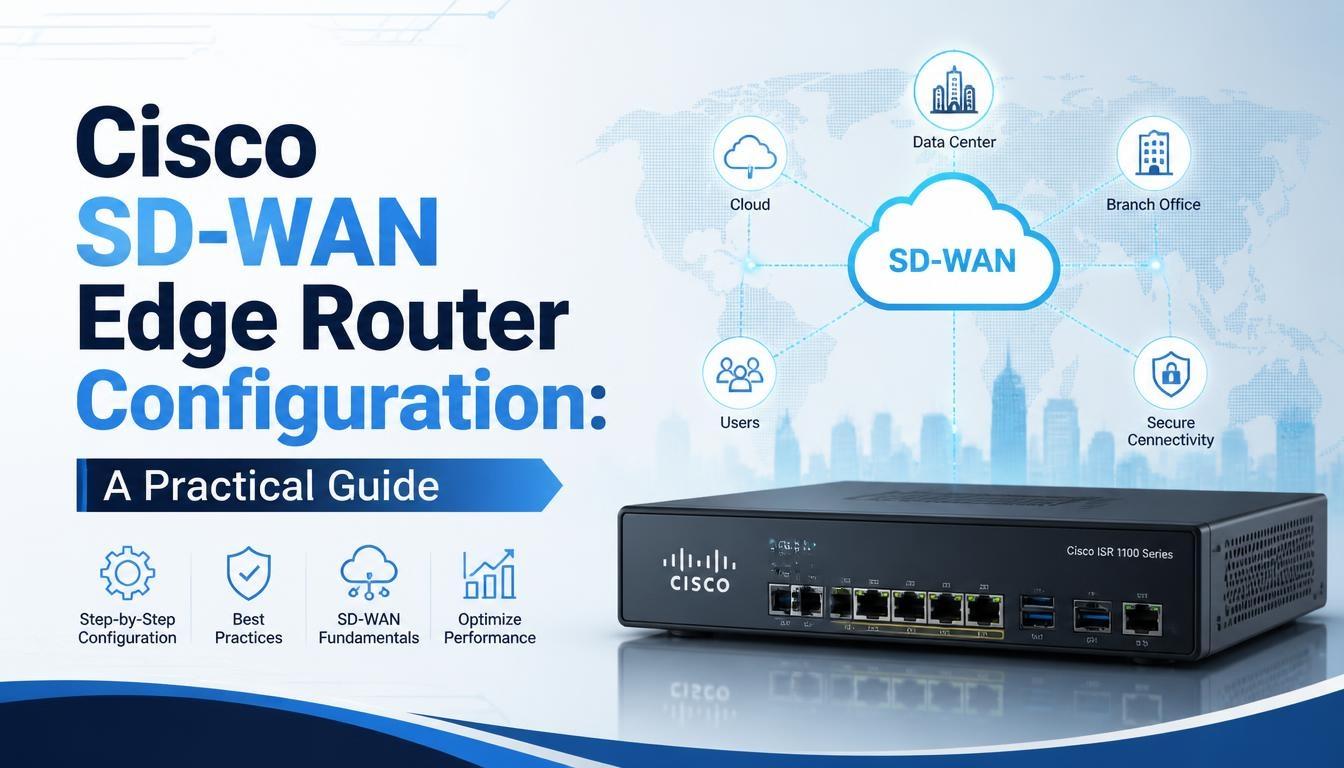
Cisco SD-WAN Edge Router Configuration: A Practical Guide

Cisco SD-WAN Edge Router Configuration is an important part of implementing software-defined wide area networks for enterprise environments. These routers connect branch offices, data centers, and cloud resources through secure and centrally managed network connections. Understanding their configuration helps network engineers manage traffic, improve connectivity, and maintain consistent network performance.
For professionals interested in SDWAN Training, understanding edge router configuration provides practical knowledge of routing, VPNs, IPsec tunnels, and network policies used in enterprise environments.
What Is a Cisco SD-WAN Edge Router?
A Cisco SD-WAN Edge Router is a network device that connects enterprise locations to the SD-WAN fabric. It establishes secure connections between different sites and forwards traffic based on centrally defined policies.
Edge routers can operate as physical or virtual devices, depending on the network deployment requirements.
Their main responsibilities include:
-
Establishing secure connections with other SD-WAN devices.
-
Forwarding traffic between branch offices and data centers.
-
Supporting routing protocols and VPN segmentation.
-
Applying traffic policies and application-aware routing.
-
Monitoring network conditions and connection health.
Cisco SD-WAN edge devices communicate with the control and management components to receive configuration information and participate in the overlay network.
Key Components Required for Edge Router Configuration
Before configuring a Cisco SD-WAN Edge Router, it is important to understand the components involved in the deployment.
1. Cisco SD-WAN Manager (vManage)
Cisco SD-WAN Manager provides centralized management for network devices. Administrators use it to create configuration templates, monitor devices, manage policies, and troubleshoot network issues.
2. Cisco SD-WAN Controller (vSmart)
The SD-WAN Controller manages control-plane operations and distributes routing and policy information across the SD-WAN fabric.
3. Cisco SD-WAN Validator (vBond)
The SD-WAN Validator helps devices authenticate and discover the appropriate controllers during the onboarding process.
4. WAN Edge Router
The WAN Edge Router connects branch networks, data centers, and cloud environments. It establishes secure overlay connections and forwards traffic according to routing and policy information.
Prerequisites for Cisco SD-WAN Edge Router Configuration
Before starting the configuration process, administrators should verify that the required network information and infrastructure are available.
Important prerequisites include:
-
A supported Cisco SD-WAN Edge device or virtual router.
-
Valid device credentials and certificates.
-
WAN interface IP addresses and subnet information.
-
Transport network connectivity.
-
Controller reachability and authentication details.
-
Organization name and system information.
-
Appropriate VPN and routing configurations.
The device must also have a supported software version and compatible configuration with the SD-WAN deployment.
Step-by-Step Cisco SD-WAN Edge Router Configuration
Cisco SD-WAN Edge Router configuration involves onboarding the device, establishing connectivity, and applying network settings. The exact procedure depends on the device model and software release.
Step 1: Prepare the Edge Router
Start by checking the router hardware or virtual machine requirements. Verify the software version, available interfaces, system information, and connectivity to the WAN transport network.
Ensure that the device has the correct credentials and onboarding information required for authentication.
Step 2: Configure System Information
System configuration identifies the router within the SD-WAN environment.
Important parameters include:
-
System IP address.
-
Site ID.
-
Organization name.
-
Hostname.
-
Controller information.
The system IP uniquely identifies the device within the SD-WAN overlay. The site ID identifies the network location where the router operates.
These values must be consistent with the organization's SD-WAN deployment design.
Step 3: Configure WAN Interfaces
WAN interfaces provide connectivity between the edge router and the transport network.
Administrators configure interface addresses, subnet masks, transport VPN settings, and other required interface parameters.
Depending on the deployment, the WAN connection may use broadband, MPLS, or other supported transport services.
After configuration, verify that the interfaces are operational and can reach the required controller addresses.
Step 4: Configure VPNs
Cisco SD-WAN uses VPNs to separate different types of network traffic.
Two important VPN types are:
Transport VPN (VPN 0): Used for WAN transport connectivity and communication with SD-WAN controllers.
Service VPN (VPN 1 and higher): Used to carry enterprise traffic, such as user applications, internal services, and branch connectivity.
Administrators configure the appropriate interfaces, routing information, and network services within each VPN.
Step 5: Establish Secure Control Connections
After configuring the system and transport interfaces, the edge router establishes secure control connections with the SD-WAN controllers.
The onboarding process includes device authentication, certificate validation, and controller discovery.
Once the required connections are established, the router can exchange control information and participate in the SD-WAN fabric.
Step 6: Configure Routing
Routing determines how traffic moves between different network locations.
Cisco SD-WAN supports Overlay Management Protocol (OMP), which distributes routing information across the SD-WAN fabric.
Administrators can also configure supported routing protocols, such as OSPF and BGP, to exchange routes with local networks and external routing domains.
The routing configuration should match the organization's network architecture.
Step 7: Apply Configuration Templates
Cisco SD-WAN Manager supports centralized configuration through device and feature templates.
Feature templates define individual configuration elements, such as interfaces, VPNs, and routing settings. Device templates combine these elements to create a complete device configuration.
Templates help administrators maintain consistency across multiple branch routers and reduce manual configuration work.
How to Verify Cisco SD-WAN Edge Router Configuration
After applying the configuration, administrators should verify that the router is operating correctly.
Important verification activities include:
-
Check whether WAN interfaces are operational.
-
Verify connectivity to SD-WAN controllers.
-
Confirm that control connections are established.
-
Check OMP peer status and route advertisements.
-
Verify IPsec tunnel establishment.
-
Test connectivity between branch networks.
-
Review device alarms and system logs.
Cisco SD-WAN Manager provides centralized monitoring information that helps administrators identify connectivity problems and configuration errors.
Common Cisco SD-WAN Edge Router Configuration Issues
Configuration problems can affect connectivity and network operations. Identifying common issues helps reduce troubleshooting time.
Incorrect Interface Configuration
Incorrect IP addresses, subnet masks, or gateway settings can prevent WAN connectivity. Verify interface parameters and transport network reachability.
Control Connection Failures
Authentication problems, certificate issues, and blocked network ports can prevent the edge router from establishing controller connections.
Routing Problems
Incorrect routing policies or VPN configurations may prevent routes from being advertised or received correctly. Check OMP information and routing tables.
IPsec Tunnel Failures
IPsec tunnels may fail because of connectivity problems, incorrect configuration, or authentication issues. Review tunnel status and relevant system logs.
Best Practices for Cisco SD-WAN Edge Router Configuration
Following consistent configuration practices helps maintain network reliability and simplifies administration.
-
Maintain accurate IP addressing and network documentation.
-
Use configuration templates for consistent deployment.
-
Apply appropriate VPN segmentation.
-
Verify controller connectivity during onboarding.
-
Monitor WAN interface health and tunnel status.
-
Review routing information after configuration changes.
-
Keep device software updated according to compatibility requirements.
-
Maintain configuration backups and change records.
These practices help network administrators manage distributed enterprise networks more effectively.
Conclusion
Cisco SD-WAN Edge Router Configuration involves several important activities, including system setup, WAN interface configuration, VPN creation, routing, controller connectivity, and verification. Each component plays a role in establishing secure communication between enterprise locations.
Understanding these configuration steps helps network engineers work with SD-WAN infrastructure and troubleshoot common deployment issues. Professionals planning to strengthen their networking knowledge can consider an SDWAN course to develop a better understanding of Cisco SD-WAN architecture, edge devices, routing protocols, and practical configuration techniques.