
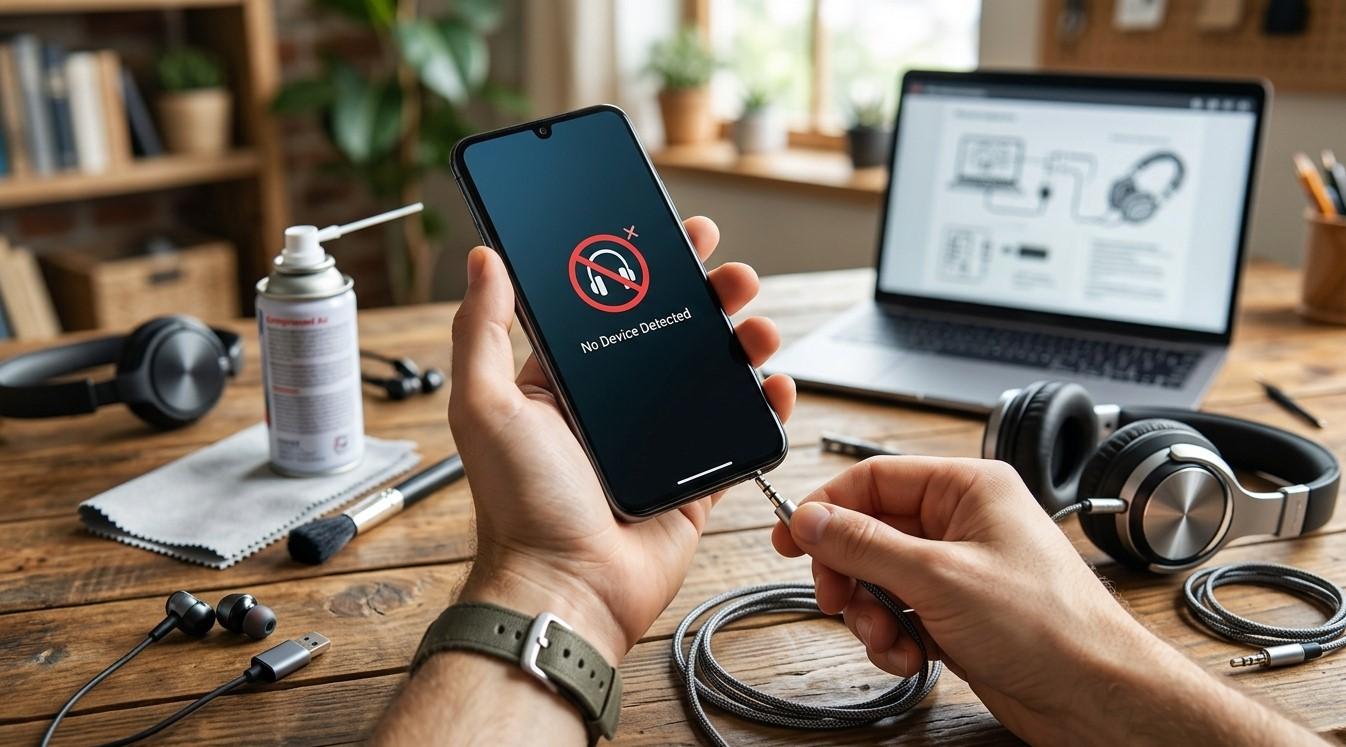

Headphones make it easy to enjoy music, attend calls, and watch videos without disturbing others. However, when a smartphone fails to recognize connected headphones, it can interrupt everyday activities. This problem may be caused by damaged connectors, Bluetooth pairing issues, incorrect audio settings, software glitches, or hardware faults. MyRepairStore helps customers find dependable repair solutions, including the best cell phone repair in Indian Trail and professional cell phone repair Indian Trail services.
Table of Contents
-
Common Reasons Your Phone Won't Recognize Headphones
-
How to Troubleshoot Headphone Connection Problems
-
When Should You Seek Professional Repair?
-
Tips to Prevent Headphone Connection Issues
-
Frequently Asked Questions
1. Common Reasons Your Phone Won't Recognize Headphones
Before trying different solutions, understand what might be causing the problem.
-
Damaged headphone connector: A bent or worn connector may prevent a proper connection.
-
Dirty headphone port: Dust and debris can interfere with wired headphone connections.
-
Bluetooth pairing problems: Wireless headphones may fail to connect because of outdated pairing information.
-
Software glitches: Temporary system errors can affect audio detection.
-
Compatibility issues: Some headphones may not support your smartphone's connection requirements.
-
Hardware damage: A faulty charging or headphone port may prevent the device from recognizing accessories.
2. How to Troubleshoot Headphone Connection Problems
Try these simple troubleshooting steps to identify and resolve the issue.
Restart Your Smartphone
Temporary software glitches can sometimes prevent headphones from being detected. Restart your phone and reconnect your headphones after it turns back on.
Check the Headphone Connection
For wired headphones, make sure the connector is compatible and fully inserted. Avoid forcing it into the port.
For wireless headphones, confirm that Bluetooth is enabled and the headphones are in pairing mode.
Clean the Headphone Port Carefully
Dust and debris may block a wired connection. Inspect the port using good lighting. If you notice visible dust, use a soft, dry brush gently around the opening. Avoid inserting sharp objects or liquids.
Forget and Reconnect Bluetooth Headphones
If wireless headphones are not connecting, open your Bluetooth settings and remove the saved pairing. Put the headphones into pairing mode and connect them again.
Check Audio Settings
Make sure your phone is sending audio to the correct output device. Also, check the volume and accessibility settings to rule out configuration problems.
Test Another Pair of Headphones
Connect another compatible pair of headphones to your smartphone. If the second pair works, the original headphones may be faulty. If neither pair works, your phone may need further inspection.
Update Your Smartphone Software
Check for available operating system updates. Installing compatible updates may resolve software bugs affecting headphone detection.
3. When Should You Seek Professional Repair?
If your phone still cannot recognize compatible headphones after troubleshooting, the problem may involve a damaged port, internal connection, or audio component.
A professional technician can inspect the device and identify the cause. Customers searching for cell phone repair Indian Trail can contact MyRepairStore to explore suitable smartphone repair solutions.
4. Tips to Prevent Headphone Connection Issues
Follow these habits to maintain reliable headphone connections:
-
Keep headphone connectors clean and dry.
-
Avoid pulling headphones out by their cables.
-
Store wired headphones carefully.
-
Keep Bluetooth headphones charged.
-
Install compatible smartphone updates.
-
Avoid exposing your phone to moisture.
-
Use accessories compatible with your device.
5. Frequently Asked Questions
Why does my phone not detect wired headphones?
Possible causes include a dirty or damaged port, incompatible headphones, or software problems.
Why won't my phone connect to Bluetooth headphones?
The headphones may not be in pairing mode, may have low battery, or may need to be paired again.
Can dust prevent headphones from working?
Yes. Dust and debris inside a headphone port can interfere with the connection.
How can I tell whether my headphones or phone are faulty?
Test another compatible pair of headphones. If the second pair works, the original headphones may be the problem.
Can a technician repair a phone that does not recognize headphones?
Yes. A technician can inspect the port, internal connections, and audio components to identify possible faults.
Conclusion
A smartphone that won't recognize headphones may have a simple connection issue or an underlying hardware problem. Restarting your device, checking connectors, cleaning the port carefully, reconnecting Bluetooth headphones, and updating software may help restore normal audio functionality. If the issue continues, professional inspection is recommended. MyRepairStore provides dependable repair guidance for customers looking for the best cell phone repair in Indian Trail and trusted cell phone repair Indian Trail services.
Call to Action
Having trouble connecting wired or wireless headphones to your smartphone? Contact MyRepairStore to learn more about professional smartphone repair services in Indian Trail. Get your device inspected and find the right solution for better audio connectivity.