
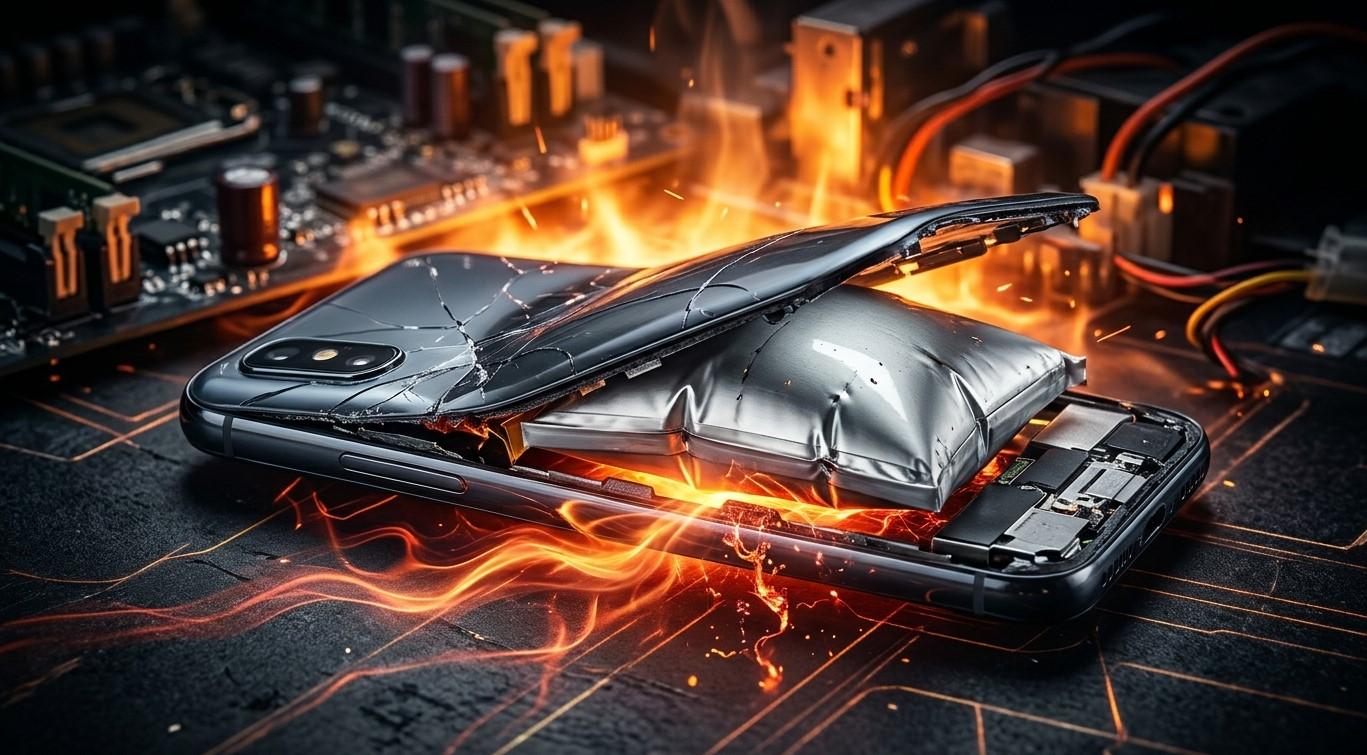
What Causes a Smartphone Battery to Swell, and Is It Dangerous to Keep Using It?

A smartphone battery is designed to provide reliable power, but over time, internal chemical changes, excessive heat, or physical damage can cause it to expand. A swollen battery is more than a cosmetic problem because it can damage your phone and create a potential fire hazard. At iPC Repair Houston, understanding common smartphone battery problems can help users recognize when professional assistance is necessary. If you are searching for the best iPhone repair in Houston or dependable iPhone repair Houston services, learning about battery swelling is an important step toward protecting your device.
Table of Contents
-
What Causes a Smartphone Battery to Swell?
-
Warning Signs of a Swollen Smartphone Battery
-
Is It Dangerous to Keep Using a Swollen Battery?
-
What Should You Do If Your Phone Battery Swells?
-
How Can You Prevent Battery Swelling?
-
Frequently Asked Questions
1. What Causes a Smartphone Battery to Swell?
Most smartphones use lithium-ion batteries. These batteries can develop internal chemical reactions that produce gas, causing the battery to expand.
Here are some common reasons this happens.
Battery Aging
Smartphone batteries gradually wear out through repeated charging and discharging cycles. As internal components deteriorate, unwanted chemical reactions can produce gas and cause swelling.
Excessive Heat
High temperatures can accelerate chemical reactions inside a battery. Leaving your phone in direct sunlight, inside a hot vehicle, or near heat sources can increase the risk of battery damage.
Physical Damage
Dropping, crushing, bending, or puncturing a smartphone can damage its battery. Internal damage may lead to gas buildup and swelling.
Manufacturing Defects
Some batteries may contain manufacturing defects that affect their internal structure or chemical stability. These defects can cause swelling even when the phone has been used carefully.
Charging-Related Problems
Incompatible chargers, damaged charging accessories, or electrical faults can contribute to battery overheating and deterioration.
2. Warning Signs of a Swollen Smartphone Battery
Recognizing battery swelling early can help prevent further damage. Look for these signs:
-
The phone's back cover begins separating from the frame.
-
The screen appears lifted or pushed outward.
-
The device becomes unusually thick or uneven.
-
The phone overheats without heavy use.
-
The battery drains unexpectedly.
-
The device develops an unusual chemical odor.
If you notice these symptoms, stop using the phone and arrange professional inspection.
3. Is It Dangerous to Keep Using a Swollen Battery?
Yes. Continuing to use a smartphone with a swollen battery can be dangerous.
A swollen lithium-ion battery may become unstable. Pressure inside the battery can increase the risk of leakage, fire, or thermal runaway, a process in which heat triggers further reactions.
Using or charging the device can increase the risk of additional damage. A swollen battery may also push against the display, damage internal connections, and affect other components.
For safety, never ignore visible battery swelling, even if your phone still turns on.
4. What Should You Do If Your Phone Battery Swells?
Follow these precautions if you discover a swollen battery:
-
Stop using the phone: Do not continue making calls, browsing, or playing games.
-
Disconnect the charger: Unplug the device if it is safe to do so.
-
Power it off: Shut down the phone if you can do so without handling an overheating or damaged device.
-
Keep it away from flammable materials: Place it in a safe location away from paper, fabrics, and other combustible objects, provided it is safe to move.
-
Do not press or puncture the battery: Never attempt to flatten, bend, or open it yourself.
-
Seek professional assistance: Have a qualified technician assess the device and arrange appropriate battery replacement.
If the phone becomes extremely hot, starts hissing, releases a strong odor, or produces smoke, do not handle it. Move away and contact emergency services.
5. How Can You Prevent Battery Swelling?
Although battery aging cannot be completely avoided, good charging and storage habits can reduce unnecessary battery stress.
-
Use compatible, quality charging accessories.
-
Avoid exposing your smartphone to extreme temperatures.
-
Protect your device from drops and physical pressure.
-
Avoid charging your phone under pillows or blankets.
-
Keep your phone away from direct sunlight for extended periods.
-
Replace aging or damaged batteries through qualified repair services.
Regular device care can help maintain battery performance and reduce the risk of unexpected problems.
6. Frequently Asked Questions
Q1. Can a swollen smartphone battery explode?
A swollen battery can become unstable and may catch fire or rupture. Stop using it and seek professional assistance immediately.
Q2. Can I charge my phone if its battery is swollen?
No. Do not charge a device with a swollen battery because charging can increase the risk of overheating and battery failure.
Q3. Does a swollen battery need immediate replacement?
Yes. A swollen lithium-ion battery should be removed and replaced by a qualified technician. It should never be reused.
Q4. Can a swollen battery damage my phone screen?
Yes. An expanding battery can push against the display, potentially lifting, cracking, or damaging the screen.
Q5. How can I tell if my iPhone battery is swollen?
Look for a lifted screen, separating back cover, unusual gaps, or changes in the phone's shape. Do not press the device to investigate.
Get Professional Smartphone Repair Assistance in Houston
A swollen smartphone battery should never be treated as an ordinary performance issue. Excessive heat, internal chemical changes, physical damage, and battery aging can all contribute to swelling. Recognizing the warning signs and stopping use immediately can help protect you and your device.
If you need professional battery inspection or are searching for the best iPhone repair in Houston, explore the services offered by iPC Repair Houston.