
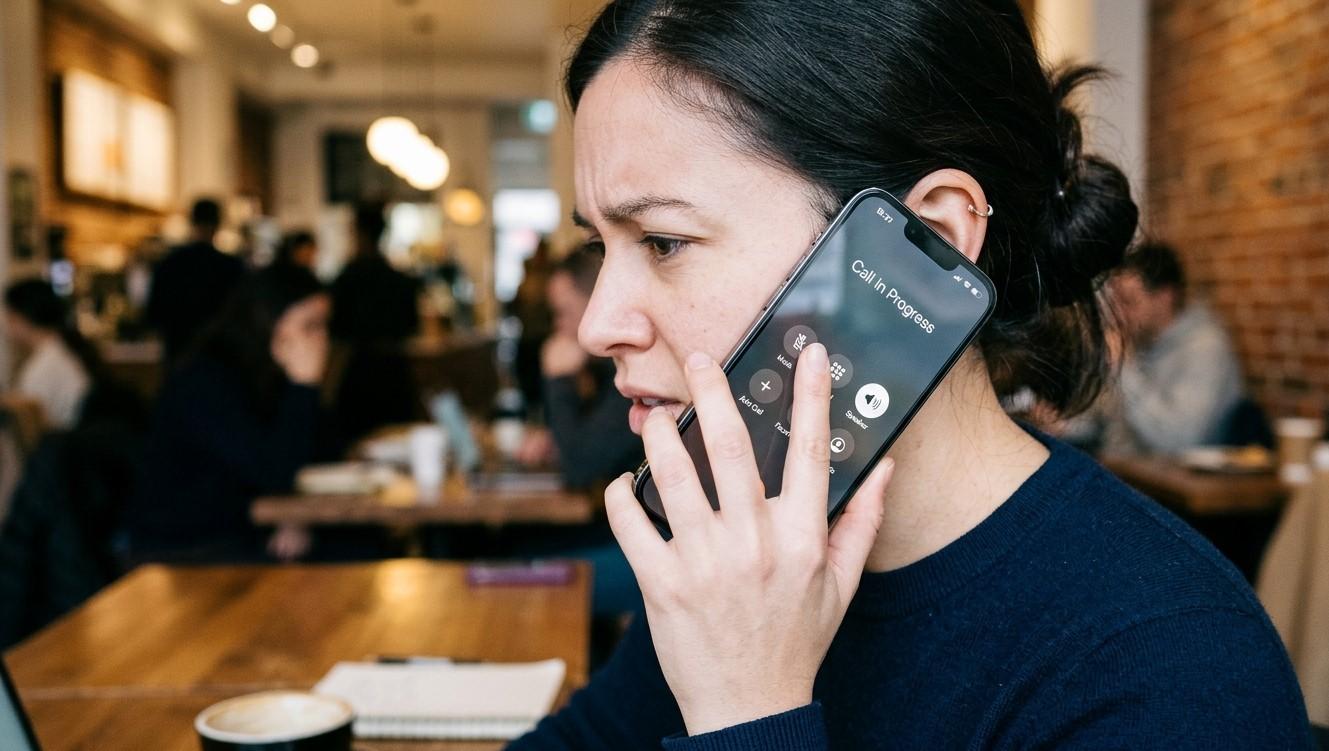

When your iPhone earpiece stops producing sound during calls, conversations can become difficult or impossible to follow. You may still hear callers through the speakerphone or headphones, but nothing comes from the small speaker above the screen. This issue can be caused by blocked speaker openings, incorrect audio settings, software glitches, or internal hardware damage. Professional iPhone Repair Brooklyn services can help identify the cause and restore normal call audio. Choosing the best iPhone repair in Brooklyn is important when your device needs careful diagnosis, whether the problem involves the earpiece or another component. Even if you are searching for iPhone screen repair Brooklyn, a qualified repair technician may also be able to inspect related hardware concerns.
Table of Contents
-
Common Reasons the iPhone Earpiece Stops Working
-
How to Troubleshoot the Problem
-
When Does the Earpiece Need Professional Repair?
-
Frequently Asked Questions
-
Conclusion and CTA
1. Common Reasons the iPhone Earpiece Stops Working
Several issues can prevent sound from coming through your iPhone's earpiece.
Dust and Debris Buildup
The earpiece grille can collect dust, lint, and other particles over time. This buildup may block sound and make callers difficult to hear.
Incorrect Audio Settings
Your call audio may be routed to a Bluetooth device, headset, or another connected accessory instead of the built-in earpiece.
Software Glitches
Temporary iOS bugs or app-related problems can interfere with audio output during phone calls.
Water or Moisture Exposure
Liquid entering the earpiece area may affect the speaker or its internal connections, sometimes causing muffled or completely missing sound.
Physical or Internal Damage
A drop, impact, or worn component can damage the earpiece speaker or its connecting flex cable.
2. How to Troubleshoot the Problem
Before arranging a repair, try these simple steps:
Increase Call Volume
During an active call, press the volume-up button. Call volume is adjusted separately from media volume.
Check Audio Routing
During a call, tap the Audio button and select iPhone if sound is being sent to a Bluetooth accessory or another output.
Disconnect Bluetooth Devices
Temporarily turn off Bluetooth in Settings and test another call to see whether audio returns to the earpiece.
Clean the Earpiece Carefully
Inspect the grille for visible debris. Use a clean, soft, dry brush gently. Avoid sharp objects, liquids, and compressed air.
Restart Your iPhone
Restarting can clear temporary software issues that may affect call audio.
Update iOS
Check Settings > General > Software Update and install an available update if appropriate. Back up your device before updating.
3. When Does the Earpiece Need Professional Repair?
If the earpiece remains silent after troubleshooting, the speaker or an internal connection may be damaged. A technician can test the audio components, inspect for moisture or impact damage, and determine whether cleaning, repair, or replacement is needed.
Seek professional help if:
-
The earpiece produces no sound during every call.
-
Audio is consistently distorted or crackling.
-
Sound works through speakerphone but not the earpiece.
-
The issue started after a drop or liquid exposure.
Avoid opening the phone yourself, as delicate internal components can be damaged during disassembly.
4. Frequently Asked Questions
Why can I hear calls on speakerphone but not through the earpiece?
The earpiece speaker or its connection may be faulty, even if the main loudspeaker works normally.
Can dirt cause an iPhone earpiece to stop working?
Yes. Dust and debris can block the grille and reduce or prevent sound transmission.
Does restarting an iPhone fix earpiece problems?
It may resolve temporary software glitches, but it cannot fix physical speaker damage.
Is earpiece replacement expensive?
The cost depends on the iPhone model and the actual cause. A technician should inspect the device before providing an estimate.
Can water damage affect call audio?
Yes. Moisture can affect the earpiece speaker and nearby internal connections.
5. Conclusion and CTA
An iPhone earpiece that stops producing sound during calls may have a simple blockage or audio-setting issue, but persistent problems can indicate internal damage. Start with basic troubleshooting, including checking call volume, audio routing, Bluetooth connections, and the earpiece grille. If the issue continues, consider professional iPhone Repair Brooklyn services. When looking for the best iPhone repair in Brooklyn, choose a shop that can properly diagnose audio and hardware faults. Whether you need earpiece assistance or iPhone screen repair Brooklyn, Avenue D Cellular is a local repair option to contact in Brooklyn, NY.
Need help hearing your calls clearly again?
Contact Avenue D Cellular to ask about iPhone diagnostics and repair services. Get your device inspected and find the right solution for its earpiece or audio problem.