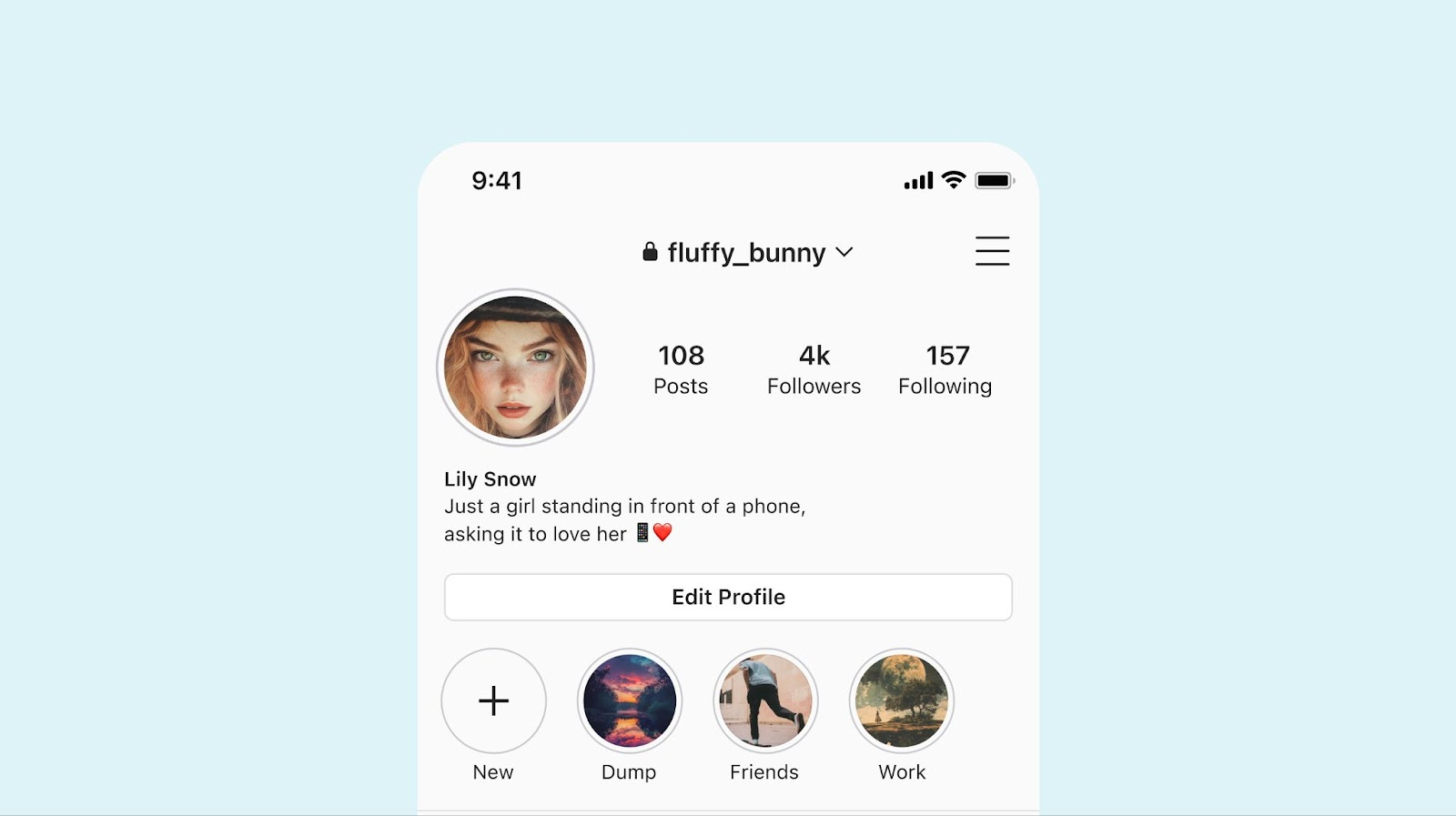
Instagram still limits you to clickable links only in your bio—not in captions. That makes your bio the most valuable real estate on your profile.
75% of Instagram users click links in bios monthly. But if you only share one link, you're missing out on traffic, sales, and engagement. Adding multiple links in Instagram bio gives your audience options, and more options lead to more clicks.
Native Instagram Links vs. Link-in-Bio Tools
Instagram’s Built-In Multi-Link Feature
Instagram now allows up to five links directly in your bio. Adding them takes about 60 seconds:
-
Tap “Edit Profile”
-
Go to the “Links” section
-
Add up to five URLs with custom titles
-
Drag to reorder (your first link appears most prominently)
It’s simple and free. But it has limitations.
When Native Links Fall Short
The native approach lacks:
-
Click tracking – you see total link taps, not which links performed best
-
Visibility – only your first link is fully visible; the rest are hidden behind a “more” button
-
Branding – plain text links with no visual appeal
-
Flexibility – you must manually edit your profile to update links
The Smarter Alternative: Link-in-Bio Pages
A dedicated link-in-bio page gives you full control. You get detailed analytics, custom branding, and the ability to update links instantly without touching your Instagram bio.
Biovelt is a great place to start. It’s completely free, with no hidden limits or upgrade prompts. You can add as many links as you need and see exactly how a dedicated link page performs—without another monthly subscription.
Best Practices for Multiple Links in Instagram Bio
Strategic Ordering
Your first link appears immediately; the rest are behind a tap. Put your most important, time-sensitive link first—whether that’s a sale, new product, or key content.
Clear Calls-to-Action
Avoid generic titles like “Website” or “Shop.” Use action-driven text:
Well-labeled links can improve click-through rates by 23–31%.
Keep Links Current
Outdated or broken links hurt credibility. Review your links monthly to remove expired offers and confirm everything works.
How to Drive Traffic to Your Bio Links
In captions, avoid “link in bio” (it may reduce reach). Instead, try subtle direction like “Details on the profile page” or use emojis.
In Stories, use the link sticker and save top-performing links to Highlights for long-term visibility.
Most importantly, track performance. Native links provide limited data. A tool like Biovelt shows you which links get clicks, where traffic comes from, and what converts—helping you make smarter decisions.
Conclusion
Multiple links in Instagram bio are now standard. Whether you use Instagram’s native links or a dedicated tool like Biovelt, success comes down to strategy: order links intentionally, use clear CTAs, keep content fresh, and track your results.
Audit your bio this week. A small change can unlock significantly more traffic.