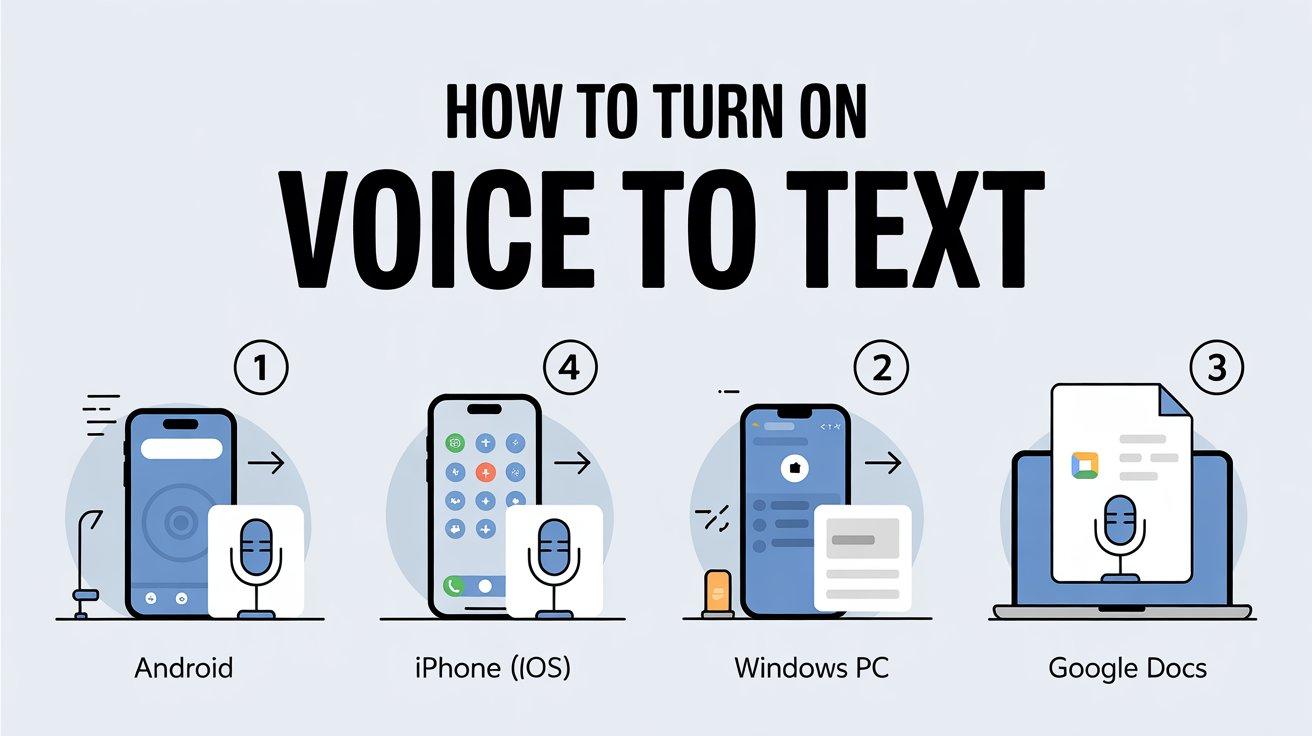
Voice to text technology has quietly changed the way we interact with devices. Instead of typing every word, you can now speak naturally and watch your words appear on the screen in real time. From smartphones and laptops to smart assistants, this technology has become a daily productivity tool.
In this article, you’ll get a clear, beginner-friendly explanation of what voice to text technology is, how it works, where it’s used, and why it has become so accurate and reliable in recent years.
What Is Voice to Text Technology?
Voice to text technology, also known as speech to text, converts spoken language into written text using software. It allows users to dictate messages, emails, documents, or notes without touching a keyboard.
The system listens to your voice, analyzes sound patterns, and translates them into readable text. Modern solutions use artificial intelligence and machine learning to understand accents, context, and natural speech.
How Voice to Text Technology Works
At a high level, voice to text follows a few logical steps. While it feels instant to users, a lot happens behind the scenes.
First, your microphone captures your voice and turns it into a digital audio signal. This signal is then processed by speech recognition software.
Next, AI models analyze the sound waves and match them with phonemes, which are the smallest units of sound in a language. The system then predicts words based on language rules and context.
Finally, the recognized words are displayed as text inside an app, browser, or operating system.
Role of Artificial Intelligence and Machine Learning
Older voice recognition systems relied on fixed rules and struggled with accents or background noise. Modern voice to text technology uses machine learning models trained on massive speech datasets.
These AI models learn:
Because of this training, the technology improves over time and adapts to how people actually speak, not just how they are “supposed” to speak.
Common Uses of Voice to Text Technology
Voice to text is no longer limited to basic dictation. It is widely used across industries and daily life.
Some common use cases include:
-
Dictating messages, emails, and documents
-
Converting voice memos into text for meetings
-
Accessibility support for users with disabilities
-
Medical and legal transcription
-
Voice commands for virtual assistants
For professionals, it saves time. For others, it removes barriers and makes technology more inclusive.
Benefits of Using Voice to Text
The popularity of voice to text technology is driven by clear, practical benefits.
One major advantage is speed. Speaking is often faster than typing, especially on mobile devices.
Another benefit is hands-free convenience. You can create content while walking, driving (safely), or multitasking.
It also improves accessibility, helping users who struggle with typing due to physical or learning challenges.
Finally, modern systems offer impressive accuracy, making voice dictation reliable for everyday and professional use.
Accuracy Factors You Should Know
While voice to text technology is highly advanced, accuracy can vary based on several factors.
Clear pronunciation improves results significantly. Background noise can reduce accuracy, especially in busy environments.
Microphone quality also matters. A good mic captures cleaner audio, which helps the software process speech correctly.
Language settings are another key factor. Choosing the correct language and region improves recognition of accents and vocabulary.
Voice to Text on Different Devices
Voice to text technology works across many platforms, but the experience may differ slightly.
On smartphones, it’s commonly built into the keyboard and works inside messaging, email, and note apps.
On computers, voice dictation is often available at the system level, allowing you to type with your voice in documents and browsers.
Cloud-based tools offer advanced features like automatic punctuation, speaker detection, and long-form transcription.
Privacy and Data Considerations
Since voice to text involves audio processing, privacy is an important topic. Some tools process speech locally on your device, while others use cloud servers.
Reputable providers clearly explain how voice data is handled, stored, or deleted. Users should always review privacy settings and permissions before enabling voice features.
The Future of Voice to Text Technology
Voice to text technology is still evolving. Accuracy continues to improve as AI models become more advanced.
Future developments are expected to focus on:
-
Better understanding of context and emotions
-
Real-time multilingual translation
-
Improved offline processing for privacy
As technology becomes more human-like, voice interaction will feel even more natural.
Final Thoughts
Voice to text technology has moved from novelty to necessity. It saves time, improves accessibility, and fits naturally into modern digital life.
Whether you’re dictating a quick message or transcribing hours of audio, voice to text tools offer a smarter way to turn speech into written content. As AI continues to advance, this technology will only become faster, more accurate, and more essential.