

Accurate financial information is essential for managing a successful business. Companies depend on reliable accounting records to monitor income, control expenses, prepare financial reports, and make important business decisions. However, when different applications store separate versions of financial information, maintaining accuracy can become challenging.
Manual data entry, duplicate records, incorrect transaction classifications, and delayed updates can affect accounting operations. These problems may become more noticeable as businesses increase their transaction volumes and adopt additional software applications.
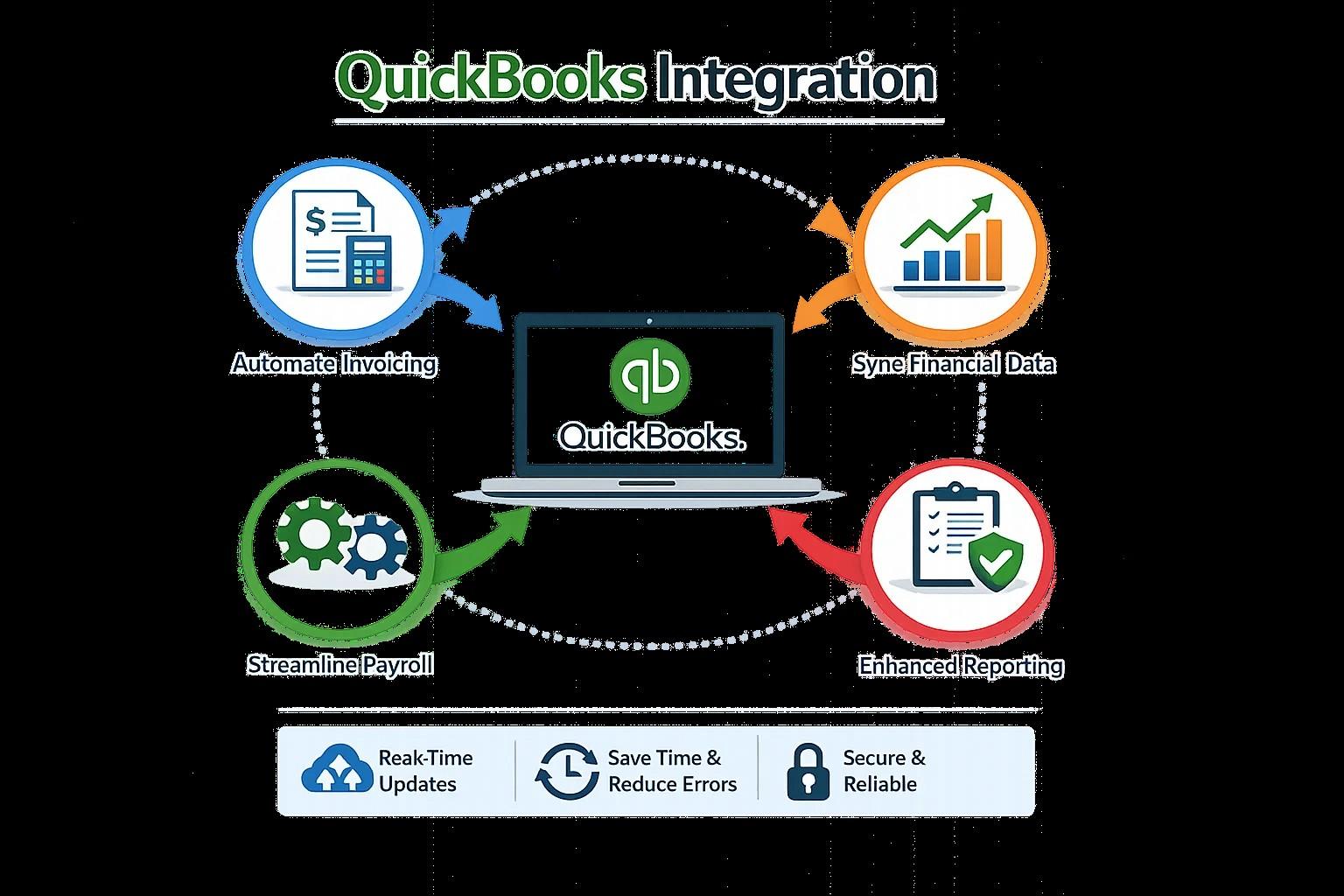
QuickBooks Integration helps organizations connect accounting software with compatible business applications and synchronize supported information. This can reduce repeated data entry, improve record consistency, and support more reliable financial management.
Why Financial Data Accuracy Matters
Financial records provide an overview of a company's economic activities. Business owners use accounting information to evaluate profitability, monitor expenses, and understand cash flow.
Incorrect information can create problems during financial reporting and account reconciliation.
For example, a duplicate sales transaction may increase recorded revenue, while a missing supplier invoice may understate expenses.
QuickBooks Integration helps reduce certain sources of these errors by transferring supported information between connected systems instead of requiring employees to enter everything manually.
Reduce Manual Data Entry Errors
Manual data entry is one of the common sources of accounting mistakes.
Employees may enter incorrect amounts, use outdated customer details, or select inappropriate account categories.
When transactions are repeated across several applications, the possibility of inconsistencies increases.
QuickBooks Integration can automate supported data transfers and reduce the number of times information must be entered manually.
Businesses should establish clear mapping rules and test the accuracy of transferred records before enabling routine synchronization.
Maintain Consistent Customer Information
Customer information is often stored in CRM platforms, e-commerce applications, invoicing software, and accounting systems.
If these applications are not connected, customer details may become inconsistent.
Integrating compatible applications with QuickBooks can help synchronize supported customer records.
Businesses should define matching rules and decide which application controls important customer fields.
This can reduce duplicate records and improve consistency across departments.
Improve Transaction Classification
Correct transaction classification is important for meaningful financial reporting.
Sales, refunds, processing fees, supplier payments, and operating expenses must be recorded in appropriate accounts.
QuickBooks Integration can transfer transaction information using predefined account mappings.
However, incorrect mappings may create inaccurate accounting entries.
Businesses should review their chart of accounts and verify transaction classifications during testing.
Support Reliable Financial Reconciliation
Reconciliation involves comparing accounting records with external financial information, such as bank statements and payment provider reports.
When transaction details are missing or duplicated, reconciliation becomes more difficult.
QuickBooks Integration can help organize supported transaction information and reduce manual transfer errors.
Regular reconciliation remains necessary to confirm that financial records reflect actual business activity.
Improve Financial Decision-Making
Business owners depend on accurate financial reports when making decisions about purchasing, pricing, investments, and operating expenses.
Better information consistency can improve confidence in these reports.
QuickBooks Integration supports a more organized accounting environment by connecting relevant business applications.
Companies should combine automated data synchronization with regular financial reviews and appropriate accounting procedures.
Best Practices for Accurate Integration
Businesses should clean existing records before implementation and remove unnecessary duplicates.
They should also establish consistent customer identifiers, product codes, account mappings, and transaction categories.
Testing should include ordinary transactions and less common situations, such as partial refunds and adjustments.
After implementation, organizations should monitor synchronization failures and reconcile financial records regularly.
E-Solution QuickBooks Integration Services
E-Solution offers QuickBooks Integration services intended to help businesses connect accounting software with compatible third-party applications.
Businesses can discuss their existing software environment, data accuracy concerns, and synchronization requirements to identify an appropriate integration strategy.
Conclusion
Financial data accuracy supports effective accounting and better business decisions.
QuickBooks Integration helps businesses reduce manual data entry, improve information consistency, and organize transactions across connected applications.
With appropriate planning, accurate data mapping, and regular reconciliation, organizations can create a more reliable accounting environment.