

Introduction
Online payments have become an essential part of business operations. Freelancers, service providers, e-commerce companies, and small businesses frequently use PayPal to receive payments from customers. Although PayPal makes collecting payments convenient, maintaining accurate accounting records can become challenging when transactions must be recorded manually.
QuickBooks helps businesses organize their financial information, including income, expenses, invoices, and payments. Connecting compatible PayPal and QuickBooks applications can reduce repetitive data entry and improve the organization of financial records.
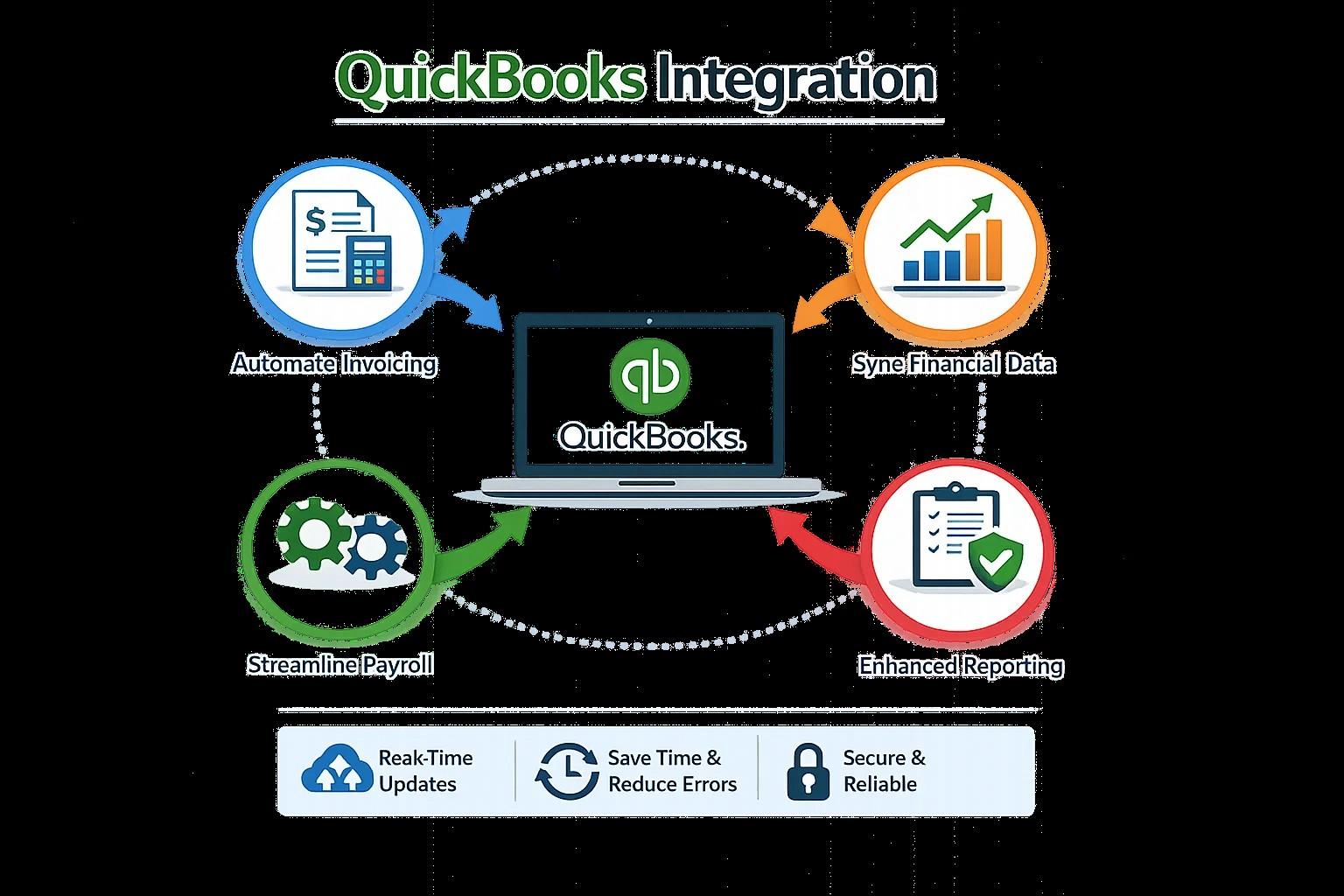
PayPal and QuickBooks Integration is particularly useful for businesses that process numerous transactions and want a more efficient bookkeeping workflow. E-Solution provides integration services designed to help businesses connect accounting software with compatible applications.
What Is PayPal and QuickBooks Integration?
PayPal and QuickBooks integration connects payment information from PayPal with QuickBooks accounting software.
Depending on the selected connector, supported information may include customer payments, transaction fees, refunds, and other payment-related records.
For example, when a customer pays an invoice through PayPal, a compatible integration may transfer the payment information into QuickBooks. This can reduce the need to record the transaction manually.
Businesses should confirm which features are supported by their chosen integration because synchronization capabilities can vary.
Benefits of PayPal QuickBooks Integration
Reduce Manual Bookkeeping
Recording every PayPal transaction individually can consume considerable time. A compatible quickbooks integration can automate supported data transfers and help accounting teams reduce repetitive tasks.
Track Payment Processing Fees
Payment processors may deduct transaction fees before transferring money to a business bank account. These fees should be recorded appropriately rather than being confused with sales revenue.
A suitable integration can help organize fee information, depending on the connector's capabilities.
Simplify Refund Management
Refunds affect revenue and payment balances. When a refund is processed through PayPal, the corresponding accounting record should reflect the adjustment.
Integration can help synchronize supported refund information and reduce manual corrections.
Improve Financial Reporting
Organized transaction records help business owners review income, fees, and payment activity more efficiently.
Accurate records also support reconciliation and financial planning.
How to Implement the Integration
Start by reviewing your PayPal account, QuickBooks version, and current bookkeeping process. Determine which transaction types need to be synchronized.
Next, choose a compatible connector and configure transaction mapping. Establish how customer payments, processing fees, refunds, and settlement transactions should be recorded.
Test representative transactions before activating automated synchronization. Compare the results against PayPal reports and bank statements.
Finally, monitor synchronization activity and reconcile accounts regularly.
Common Challenges to Avoid
Businesses should watch for duplicate payments, missing transactions, incorrectly categorized fees, and discrepancies between PayPal balances and bank deposits.
These problems may result from incorrect configuration or overlapping integrations.
Establish clear procedures for handling errors and reviewing transaction records. Protect account credentials and use appropriate application permissions to safeguard financial information.
Why Choose E-Solution?
E-Solution provides QuickBooks integration services for businesses seeking to connect accounting software with compatible third-party applications.
Companies can discuss their PayPal workflows and accounting requirements to determine which integration approach best fits their needs.
Conclusion
PayPal and QuickBooks Integration can help businesses organize payment information, reduce manual data entry, and improve financial reporting.
A reliable setup requires compatible software, accurate transaction mapping, careful testing, and regular reconciliation.
Visit E-Solution's QuickBooks Integration service page to explore options for improving your accounting workflow.


