
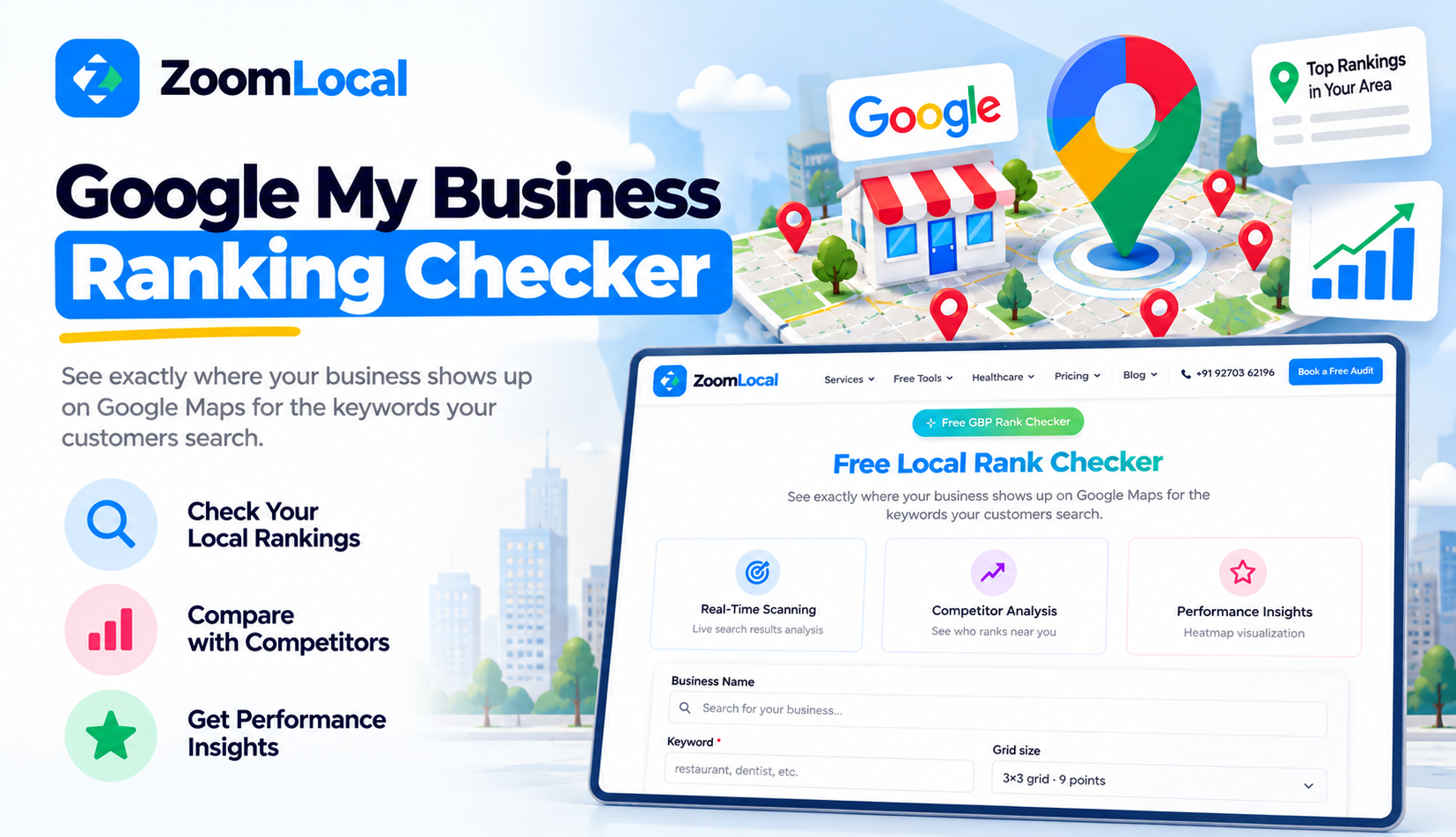
Google My Business Ranking Checker for Better Google Maps Visibility

When customers search for nearby services, Google Maps helps them discover businesses in their area. Whether someone is looking for a dental clinic, restaurant, salon, or repair service, businesses appearing prominently in local results have an opportunity to attract attention.
However, simply having a Google Business Profile does not guarantee strong visibility.
Your business might appear in the top three results near your location but rank much lower in surrounding neighbourhoods.
A Google My Business Ranking Checker helps you understand these differences and identify where your business is visible to potential customers.
With the Free Google My Business Ranking Checker by ZoomLocal, businesses can examine location-based rankings, explore competitor visibility, and make more informed local SEO decisions.
Why Google Maps Visibility Matters for Local Businesses
Google Maps is an important discovery platform for customers searching for local products and services.
When someone searches for "dentist near me" or "coffee shop in Baner," Google displays businesses relevant to that search.
Customers can then explore reviews, photos, opening hours, directions, and contact details.
Businesses appearing prominently have an opportunity to be noticed during this decision-making process.
However, visibility is not the same as customer conversion. A business must also provide accurate information and a useful customer experience.
Understanding where your profile appears is therefore an important starting point for evaluating local search performance.
What Is a Google My Business Ranking Checker?
A Google My Business Ranking Checker is a tool that helps businesses examine their positions in Google Maps for selected keywords.
Instead of relying on a manual search from one location, a geographic ranking checker can evaluate positions from multiple search points.
For example, a physiotherapy clinic in Wakad may want to check its visibility across Wakad, Hinjewadi, Punawale, and nearby areas.
The ranking results can reveal where the clinic appears prominently and where other businesses occupy stronger positions.
This information provides a clearer picture of local search visibility across the target area.
How ZoomLocal's Ranking Checker Works
ZoomLocal's Local Rank Checker uses a geographic grid to display Google Maps ranking positions.
Each point on the grid represents a different search location.
The tool checks a selected keyword and displays the business's position at those geographic points.
Its colour-coded results help users recognize stronger and weaker ranking areas without examining separate search results manually.
For example, a business may have several high-ranking grid points close to its premises, followed by lower positions farther away.
This pattern helps illustrate how search visibility changes across a geographic area.
How to Check Your Google Maps Ranking
You can use ZoomLocal's ranking checker by following a simple process.
Step 1: Visit the ranking checker
Open the ZoomLocal Local Rank Check Tool. It offers free ranking checks without requiring signup.
Step 2: Identify your business
Select the Google Business Profile you want to examine. Make sure you choose the correct location if your business has multiple branches.
Step 3: Choose a relevant keyword
Use a search phrase that describes your actual services, such as "dental clinic," "skin clinic," or "car repair service."
Step 4: Run the geographic ranking check
The tool examines your business's Google Maps position from different points across the selected area.
Step 5: Review the results
Look at the ranking grid to understand where your business appears prominently and where its visibility is limited.
Understand the Google Maps Ranking Grid
A ranking grid makes location-based visibility easier to understand.
Instead of seeing only one ranking position, businesses can examine results across multiple geographic points.
Consider a restaurant located in Baner, Pune.
Its ranking grid might show strong positions around Baner but lower positions toward Wakad or Aundh.
This difference may partly reflect the distance between the restaurant and the search location.
It may also reflect differences in nearby competition.
The grid helps identify these patterns, although additional research is needed to understand their causes.
Discover Where Competitors Are More Visible
Understanding your own ranking is useful, but examining nearby competition adds valuable context.
ZoomLocal's ranking checker includes competitor visibility information for local 3-pack results.
The local 3-pack refers to the prominent group of three business listings shown for many local searches.
If your business ranks outside these positions in an important neighbourhood, competitor information can help identify which businesses are appearing more prominently.
You can then examine their business categories, services, reviews, and website information.
This comparison may reveal areas worth investigating in your own local SEO strategy.
Identify Opportunities to Improve Local Visibility
Ranking data becomes valuable when businesses use it to guide practical improvements.
For example, a clinic might discover that it has limited visibility for a relevant service keyword.
The business can review whether that service is accurately represented on its Google Business Profile and website.
It can also check its business categories, operating information, and customer-facing content.
However, low rankings do not always indicate poor optimization.
Google considers relevance, distance, and prominence, so some geographic differences are expected.
The goal is to identify realistic opportunities rather than assume every ranking position can be controlled.
How Digital Marketing Agencies Can Use the Tool
Digital marketing agencies often need to explain Google Maps performance to clients.
A single ranking number does not always communicate how visible a business is across its target market.
A geographic ranking report provides a more detailed view.
ZoomLocal also offers shareable reports and white-label reporting capabilities for agencies.
This can help agencies present local visibility findings during client reviews or initial SEO consultations.
For example, an agency can examine a prospective client's ranking grid and identify neighbourhoods where competitors appear more prominently.
The findings create a useful starting point for discussing local SEO opportunities.
Monitor Your Google Maps Visibility Over Time
Google Maps rankings can change because of competition, business updates, and changes in search results.
Checking rankings regularly helps businesses understand whether their geographic visibility is changing.
For meaningful comparisons, use consistent keywords and geographic areas.
Record results over time and compare them with relevant business updates.
Avoid treating every ranking movement as proof that an SEO activity succeeded or failed.
Rankings are only one performance indicator. Website visits, customer enquiries, calls, and other business outcomes should also be considered.
Turn Ranking Insights Into Better Local SEO Decisions
A Google My Business Ranking Checker helps businesses understand their Google Maps visibility beyond a single search location.
With geographic ranking grids, competitor information, and shareable reports, ZoomLocal makes it easier to examine local search performance across different areas.
Businesses can use these insights to identify visibility gaps, understand competitive conditions, and prioritize relevant profile improvements.
Digital marketing agencies can also use ranking reports to communicate findings more clearly and support client discussions.
Better Google Maps visibility begins with understanding where your business currently appears and using that information to make informed local SEO decisions.


