
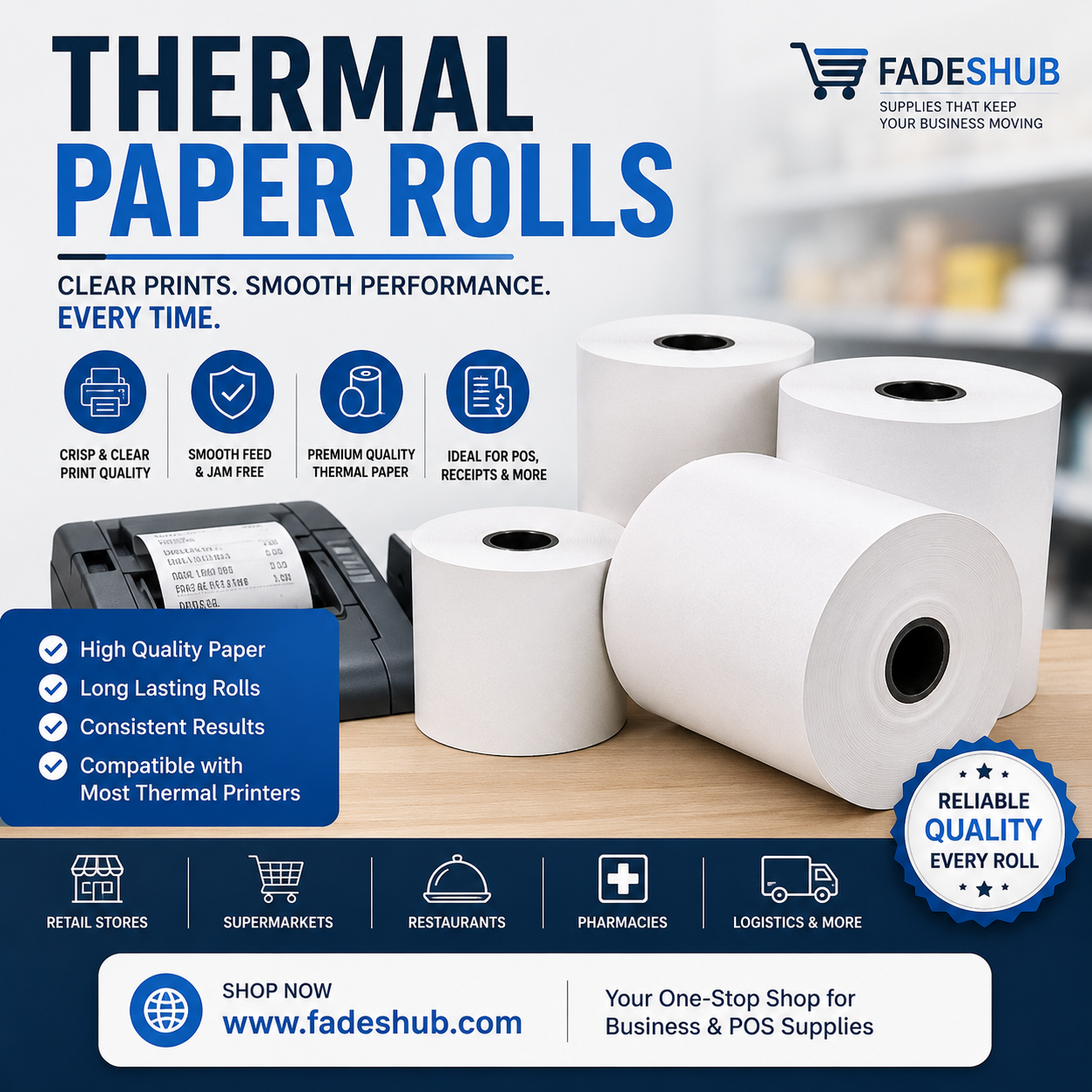
Thermal Paper for Fast and Dependable Business Printing

Thermal Paper for Clear Receipts and Reliable Daily Printing
Thermal paper is widely used by businesses that need fast, clear, and convenient printing throughout the working day. From thermal receipt paper and POS rolls to payment terminal receipts, labels, and tickets, this specially coated paper eliminates the need for conventional ink or toner. Retail shops, restaurants, pharmacies, supermarkets, warehouses, and service businesses depend on thermal printing for everyday transactions. Selecting the correct paper size, coating quality, roll length, and printer compatibility can improve print clarity while helping businesses reduce interruptions at busy counters.
Why Thermal Paper Fits Modern Business Needs
Speed matters when customers are waiting to pay, collect an order, or receive a ticket. A printing problem that lasts only a few minutes can quickly create delays during busy periods. Thermal printing keeps the process simple. Instead of transferring ink onto an ordinary sheet, the printer creates information directly on a heat-sensitive surface.
Fewer Printing Supplies to Manage
Conventional printers may require ink cartridges, ribbons, or toner. Direct thermal printers do not need these supplies for normal printing. For a business processing transactions throughout the day, having fewer consumables to monitor can simplify stock management and reduce the number of interruptions caused by replacement supplies.
What Happens When a Receipt Is Printed?
The surface of thermal receipt paper contains a coating that responds to heat. Inside the printer, small heating elements activate selected areas as the paper moves beneath the printhead. The reaction creates the dark marks needed to produce text, numbers, barcodes, QR codes, and simple graphics.
There is no wet ink involved, so a receipt can be handled immediately after it leaves the printer.
Why the Printable Side Matters
Most direct thermal rolls have a specific heat-sensitive side. Loading the roll incorrectly can result in blank paper coming from an otherwise functioning printer. A simple scratch test can sometimes identify the coated surface because friction may create a dark mark on the printable side.
Check the Printer Instructions First
The safest approach is always to follow the paper-loading instructions provided for the specific printer model.
Finding the Correct Thermal Paper Size
Roll dimensions are one of the most important purchasing considerations. Two rolls can appear nearly identical while having measurements that make one incompatible with a particular machine.
Businesses should normally check:
-
Paper width
-
Outer roll diameter
-
Core diameter
-
Roll length
-
Paper thickness
Common receipt printers may use widths such as 57mm or 80mm, but these measurements are not suitable for every machine.
The printer manual, existing roll, or manufacturer's specification should be checked before placing a bulk order for thermal paper rolls.
Where Thermal Printing Is Used
Thermal printing supports far more than traditional shop receipts. Retail businesses use it for customer transactions and returns. Restaurants may print bills, takeaway orders, and kitchen tickets. Payment terminals produce card transaction records, while parking and transport systems issue tickets. Warehouses can use direct thermal technology for short-term labels, dispatch information, and inventory identification. Healthcare and pharmacy environments may also rely on suitable thermal printing systems for certain labels, queue tickets, and transaction records.
This versatility has made thermal paper an everyday consumable across many industries.
Print Clarity Can Affect Daily Operations
A receipt needs to be more than simply visible. Prices, dates, transaction references, return information, and barcodes should remain easy to read. Poor-quality material can produce inconsistent contrast or unclear areas. This becomes particularly frustrating when a barcode or QR code needs to be scanned.
Paper Quality and Printer Cleanliness Work Together
Even good paper may produce weak output if the thermal printhead is dirty. Dust and paper residue can gradually collect around printing components. Cleaning the printer according to the manufacturer's instructions helps maintain clear output and smooth feeding. Using consistently manufactured rolls can also reduce unnecessary paper dust inside the machine.
Storage Conditions Matter More Than Expected
Because the coating reacts to heat, unused rolls should not be treated like ordinary office paper. High temperatures, sunlight, humidity, oils, solvents, and certain chemicals may affect the sensitive surface. Stock should therefore be stored somewhere cool, dry, and protected from direct light. Keeping rolls inside their original packaging until required can provide additional protection against dust and environmental exposure.
Protecting Printed Receipts
Printed receipts can also change over time when exposed to unsuitable conditions. Important records should be kept away from heat, sunlight, moisture, and chemicals.
Businesses that need transaction information for extended periods may consider keeping digital records alongside physical copies.
Reducing Problems at the Checkout
Several common printing problems can often be traced back to the paper rather than the printer itself. Blank output may mean the roll has been installed backwards. Crooked feeding can indicate an incorrect width. Repeated jams may result from incompatible dimensions, damaged paper, or an improperly positioned roll. Faded output can have several causes, including poor paper quality, an ageing roll, or a dirty printhead.
Checking simple paper-related issues first may prevent unnecessary printer replacement or repair.
Buying Thermal Paper for Regular Business Use
Price is important when businesses order large quantities, but cost per roll should not be the only deciding factor.
A cheaper roll may contain less paper, create more residue, or deliver inconsistent printing. Comparing length, dimensions, coating quality, packaging, and supplier reliability provides a clearer picture of overall value. Businesses with predictable usage can also monitor how quickly rolls are consumed. This makes it easier to maintain sufficient stock without filling valuable storage space with unnecessary quantities.
Making Printing More Efficient
Businesses can reduce waste by reviewing what appears on each receipt. Large blank areas, unnecessary duplicate copies, or excessive spacing can increase paper consumption without providing value to customers. Where appropriate, digital receipts can complement printed ones. Physical receipts can remain available when customers require them while digital records support easier storage. Small adjustments to receipt layouts can become meaningful when a business completes hundreds of transactions every day.
Why Reliable Thermal Paper Still Matters
Digital payments have changed how transactions are completed, but physical receipts, labels, and tickets continue to serve important purposes. The right thermal paper supports fast transactions, readable records, accurate scanning, and smoother daily workflows. Good results depend on matching the paper to the printer rather than simply purchasing whatever roll looks suitable.
Businesses that check dimensions carefully, choose consistent quality, store their stock correctly, and maintain their printers can reduce avoidable printing problems while keeping customer-facing operations running efficiently.
For more related posts, blogs, or content, click here
Frequently Asked Questions
Does Thermal Paper Need Ink?
No. Direct thermal printers use heat to activate the specially coated surface, so conventional ink or toner is not required.
How Do I Know Which Thermal Paper Size I Need?
Check your printer manual or existing roll for the required width, diameter, core size, and other specifications.
Why Is My Thermal Printer Producing Blank Receipts?
The paper may be installed with the non-sensitive side facing the printhead. Incorrect loading is a common cause of blank output.
Can Thermal Paper Expire?
Its performance can decline over time, particularly when it is exposed to heat, sunlight, humidity, or unsuitable chemicals.
Why Do Thermal Receipts Fade?
Long exposure to heat, direct light, oils, moisture, or chemicals can affect the heat-sensitive printed surface.
Is 80mm Thermal Paper Suitable for Every POS Printer?
No. Although 80mm is commonly used, the correct width and roll diameter depend on the individual printer model.
What Should I Check Before Buying Thermal Paper in Bulk?
Confirm printer compatibility, roll dimensions, length, coating quality, storage requirements, and supplier consistency before placing a large order.


